01
What you need
01
Where the numbers come from
A connected app, a mailbox, a spreadsheet or a website.
02
What the finished report looks like and who receives it.
How to do it
- Create the workflow
Open Workflows, click Create a workflow, give it a Name and say What it does.
- Describe it in the workflow's chat
Open the workflow's Chat and describe the goal; Kaer builds the steps. Explain it as you would to a new starter: where the numbers come from, the format, who receives it.
- Run it once
From the ⋯ menu choose Test run (safe) or Run now, and check the output before anything is on a schedule.
- Add the approval
Ask for an approval step before anything goes out. It asks you, waits for the hours you set (72 by default), and if nobody decides, treats the step as rejected or approved, whichever you chose.
- Schedule it and publish
Give it a schedule, for example every Monday at 09:00 in your timezone, then click Publish. The publish screen shows its readiness checks and the credits each run uses.
- Check the runs
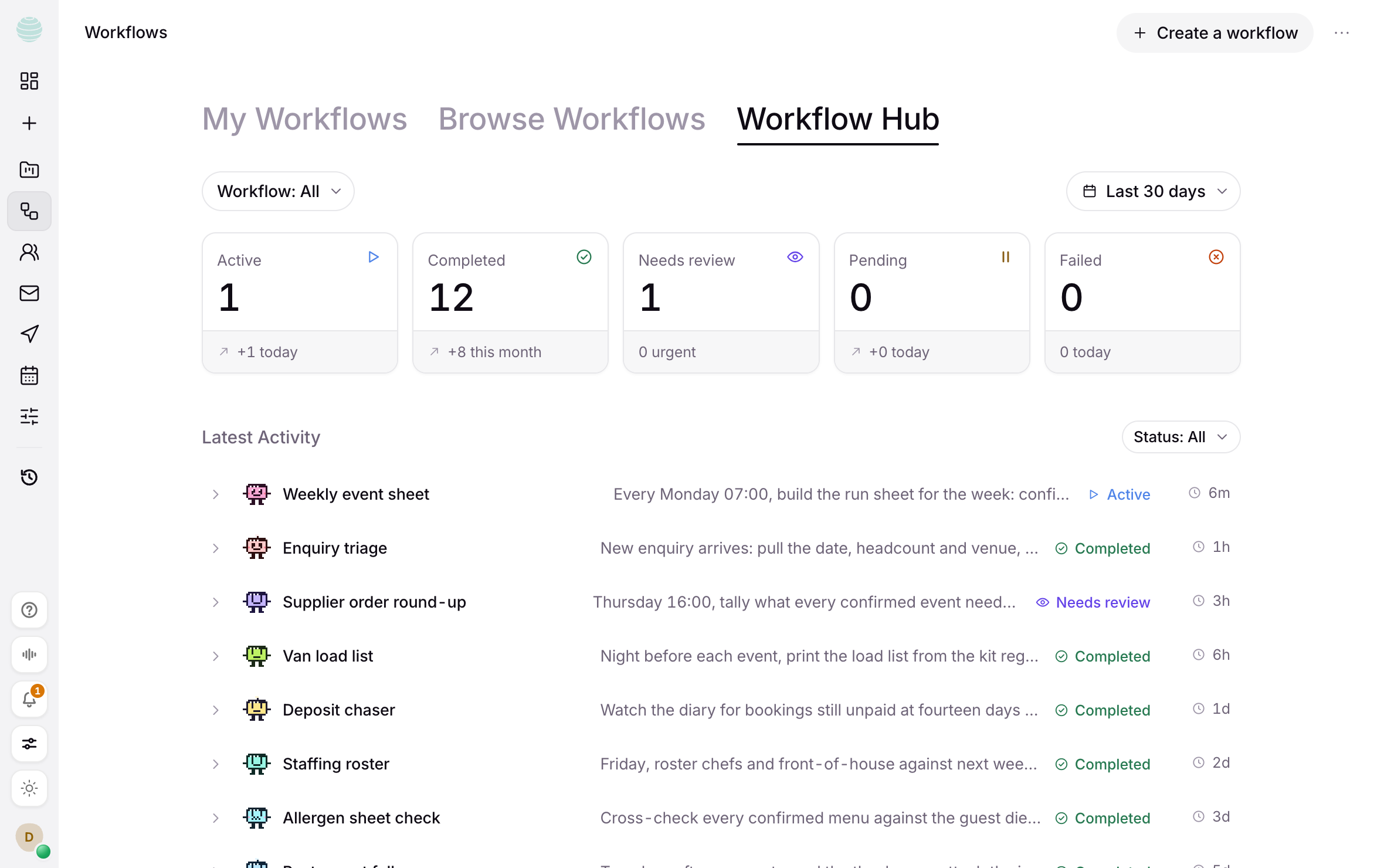
Every run is on the workflow's Runs tab. Anything waiting on you shows in Workflow Hub under Waiting for your approval.
The parts that stay yours
02
If nobody decides in time, the default you chose applies.
03
Publishing needs an active plan or credits.
Questions
Can I change the schedule later?
Yes. Ask in the workflow's chat or edit its schedule; schedules run in the timezone you set.
What does a run cost?
The publish screen shows the credits each run uses, and current rates are on the usage pricing page.
More guides
01
How to get work done on a website with no API
02Supplier portals, booking systems, back-office tools: how Kaer works a website in its own browser, where you sign in, and where it stops for your approval.
How to chase overdue invoices without sending anything you haven't approved
03Find what's overdue, draft each reminder in your tone, and approve it before it goes. A step-by-step guide to chasing invoices with Kaer.
How to answer enquiries from your inbox with Kaer Mail
04Set up Kaer Mail, let it sort the morning's enquiries, approve drafted replies before they send, then choose how much runs automatically.
How to turn a spreadsheet you've outgrown into an internal tool
05Attach the spreadsheet, describe the tool, check the live preview and publish it on its own address. A step-by-step guide to building tools with Kaer.
Workflows
06Usage pricing