USEThe delegation ledger

The work that eats your week,
handed over.

Not prompts — jobs. This page is the ledger of what small businesses delegate to Kaer: enquiries answered, quotes chased, diaries filled, invoices raised. Every entry stops exactly once — for you.

31 jobs on this page8 kinds of work1 approval gate in every job
SPECIMENSThree jobs, told fully

What handing one over actually looks like.

A job is a sentence, not a project plan. You say it in plain words — the system of record, the loop it runs, the step that waits for you.

Customer service№ 09

Clear the inbox before you open it

You say“Every morning starts with two hours of mail. Sort it before I open it.”

It doesReads overnight mail against your policies and past replies, drafts answers in your tone for the routine ones, files what needs nothing.

You approveEvery drafted reply. Kaer never sends as you without approval.

Finance operations№ 13

Chase overdue invoices

You say“The overdue list keeps growing. Chase it — politely, by relationship.”

It doesWorks the aged debt list top to bottom: a reminder at seven days, a firmer one at thirty, a note to you before anything harder.

You approveThe tone ladder, and any message past the second reminder.

Software№ 29

Connect two systems that do not talk

You say“Orders live in one tool, the customer record in another. Make them agree.”

It doesBuilds the sync between the tools you already pay for, maps the fields once, then runs it on a schedule with failures reported.

You approveThe mapping, once; then the sync runs.

LEDGERAll thirty-one, filterable

Pick your first job.

Eight kinds of work. Entry numbers are stable — if something catches your eye, quote it to us by number.

31 entries
Administration
№ 01

Onboard a new client

Takes a signed enquiry through the whole set-up: welcome email, contract and intake form out, details filed in the right folder, the job created in your tracker, and the kick-off booked.

You approveThe welcome email and contract before they go out.

Administration
№ 02

Keep the customer record straight

Reads new enquiries, phone notes and email threads, then updates the record in one place — so the next person to reply is not starting from nothing.

You approveNothing routine; corrections to a record it flags as ambiguous.

Administration
№ 03

Turn a paper pile into a filing system

Reads a folder of invoices, receipts and delivery notes, names each one consistently, files it where it belongs and lists anything it could not identify.

You approveThe naming convention, once — then it applies it.

Administration
№ 04

Prepare the supplier order

Checks stock levels against the reorder points you set, drafts the purchase order to each supplier, and holds it for you to confirm quantities.

You approveEvery purchase order before it is sent.

Sales
№ 05

Answer a new enquiry within the hour

Reads the enquiry, checks your price list and past jobs for anything comparable, and drafts a reply that answers the actual question rather than acknowledging receipt.

You approveThe reply, before it sends.

Sales
№ 06

Build and send a quotation

Prices the job from your rate card, writes the quote with the scope spelled out, attaches the terms, and sends it once you approve — then logs it as outstanding.

You approveThe price and the scope on every quote.

Sales
№ 07

Chase the quotes nobody followed up

Finds every quote sent more than a week ago with no answer, drafts a short follow-up appropriate to each one, and stops chasing the moment someone replies.

You approveThe follow-up schedule, and each first message in a new sequence.

Sales
№ 08

Prepare for the meeting

Before a call, pulls together who they are, what they have bought, what is outstanding and what was last said — one page, in your inbox, in time to read it.

You approveNothing — it only reads and reports.

Customer service
№ 09

Clear the inbox before you open it

Sorts overnight mail into what needs you, what needs an answer it can write, and what needs filing — with the routine answers already drafted in your tone.

You approveEvery drafted reply. Kaer never sends as you without approval.

Customer service
№ 10

Answer from your own policies

Reads your returns policy, warranty terms and past decisions before answering, so the customer gets the answer your business actually gives.

You approveAny reply that departs from a documented policy.

Customer service
№ 11

Handle the where-is-my-order question

Looks the order up in your storefront or system, checks the shipping status, and answers with a real date instead of a holding message.

You approveReplies that carry a delay, a refund or an apology with money attached.

Customer service
№ 12

Escalate the ones that matter

Spots the complaint, the cancellation risk and the enquiry that has been waiting too long, and puts them in front of a person with the history attached.

You approveNothing — escalation is the output.

Finance operations
№ 13

Chase overdue invoices

Works the aged debt list from the top: a reminder at seven days, a firmer one at thirty, a note to you before anything harder — each one matched to the customer relationship.

You approveThe tone ladder, and any message past the second reminder.

Finance operations
№ 14

Raise the invoices for completed work

Finds the jobs marked done that have not been billed, raises each invoice against the right rates, and queues them for you to release.

You approveEvery invoice before it is issued.

Finance operations
№ 15

Reconcile what has come in

Matches payments against outstanding invoices across your payment tools and accounts, and gives you a short list of what did not match.

You approveNothing to reconcile; write-offs and adjustments stay with you.

Finance operations
№ 16

Prepare the month-end pack

Assembles the numbers your accountant asks for every month — takings, outstanding, spend by category, anything unusual — into the same format each time.

You approveThe pack before it goes to your accountant.

Scheduling
№ 17

Fill next week's diary

Works the list of customers due a visit, offers times that fit the existing route and your working hours, and books what gets accepted.

You approveThe available hours and the booking rules; then it books.

Scheduling
№ 18

Cut the no-shows

Sends the reminder at the interval that works for your customers, handles the reschedules that come back, and tells you what freed up.

You approveCancellations that carry a charge.

Scheduling
№ 19

Rebook around a cancellation

When a slot falls out, finds who is on the waiting list or overdue a visit, offers it to them in order, and confirms the first to accept.

You approveNothing, within the rules you set.

Research
№ 20

Check the market before you quote

Reads what comparable suppliers are charging and how they package it, and comes back with a summary and the sources — not a confident guess.

You approveNothing — it reads and reports.

Research
№ 21

Qualify a list of prospects

Takes a list of company names and fills in what is publicly known — size, sector, who to contact, whether they are a fit — flagging the ones it could not verify.

You approveNothing to gather; any outreach is a separate approval.

Research
№ 22

Find the supplier or the grant

Searches for suppliers, tenders or funding that match your criteria, checks the deadlines, and gives you the shortlist with what each one requires.

You approveNothing — applications and enquiries need your sign-off.

Recurring processes
№ 23

The Monday report

Pulls the same numbers from the same places every week, writes the commentary on what changed, and has it in the right inbox before the meeting.

You approveThe first run. After that it runs on schedule.

Recurring processes
№ 24

The weekly compliance check

Runs through the checklist your industry requires, gathers the evidence, records what passed, and raises what did not with the detail attached.

You approveAny exception it records as a failure.

Recurring processes
№ 25

Renewal and expiry watch

Watches contracts, insurance, certifications and subscriptions, and gives you notice far enough ahead to do something about it.

You approveNothing to watch; every renewal decision is yours.

Recurring processes
№ 26

Payroll and timesheet prep

Collects the timesheets, chases the missing ones, checks them against the rota, and puts the file together for whoever runs payroll.

You approveThe final file, and any timesheet it had to correct.

Software
№ 27

Build the internal tool you outgrew a spreadsheet for

Describe the tracker your team keeps re-creating and get a working internal tool, with the right people able to use it, on the same day.

You approveThe tool before you share it with the team.

Software
№ 28

Put a booking form on your website

Adds the form, wires it to your calendar and your inbox, and tests the whole path end to end before it goes anywhere near your live site.

You approveThe change before it is published.

Software
№ 29

Connect two systems that do not talk

Moves the data between the tools you already pay for — orders into the tracker, enquiries into the customer record — on a schedule, with failures reported.

You approveThe mapping, once; then the sync runs.

Software
№ 30

Ship a change to an existing codebase

For teams that write software: reads the repository, makes the change, runs your tests, and opens a pull request a person reviews and merges.

You approveThe pull request. Nothing merges without a human.

Software
№ 31

Clear the maintenance backlog

Dependency bumps, test coverage on the untested module, the migration everyone keeps deferring — done as reviewable pull requests, not as a sprint.

You approveEvery pull request, and anything touching production data.

LOOPHow every job runs

The same four steps, every time.

Whether the output is a sent reply or a merged pull request, the run contract never changes — brief, work, gate, handover.

01 — Step

You brief it

Describe the job in plain words — the goal, the rules, the systems it touches. No forms, no project plan.

02 — Step

It does the work

In its own browser and sessions, working from your prices, policies, suppliers and past jobs — not general knowledge.

03 — Step

It stops for you

Before anything is sent, paid, published or merged, the job waits for your approval. That gate is on every card above.

04 — Step

You get it back

Finished work, plus the record of everything that ran — who asked, what changed, what is waiting next.

Where the work happens

In the tools you already pay for.

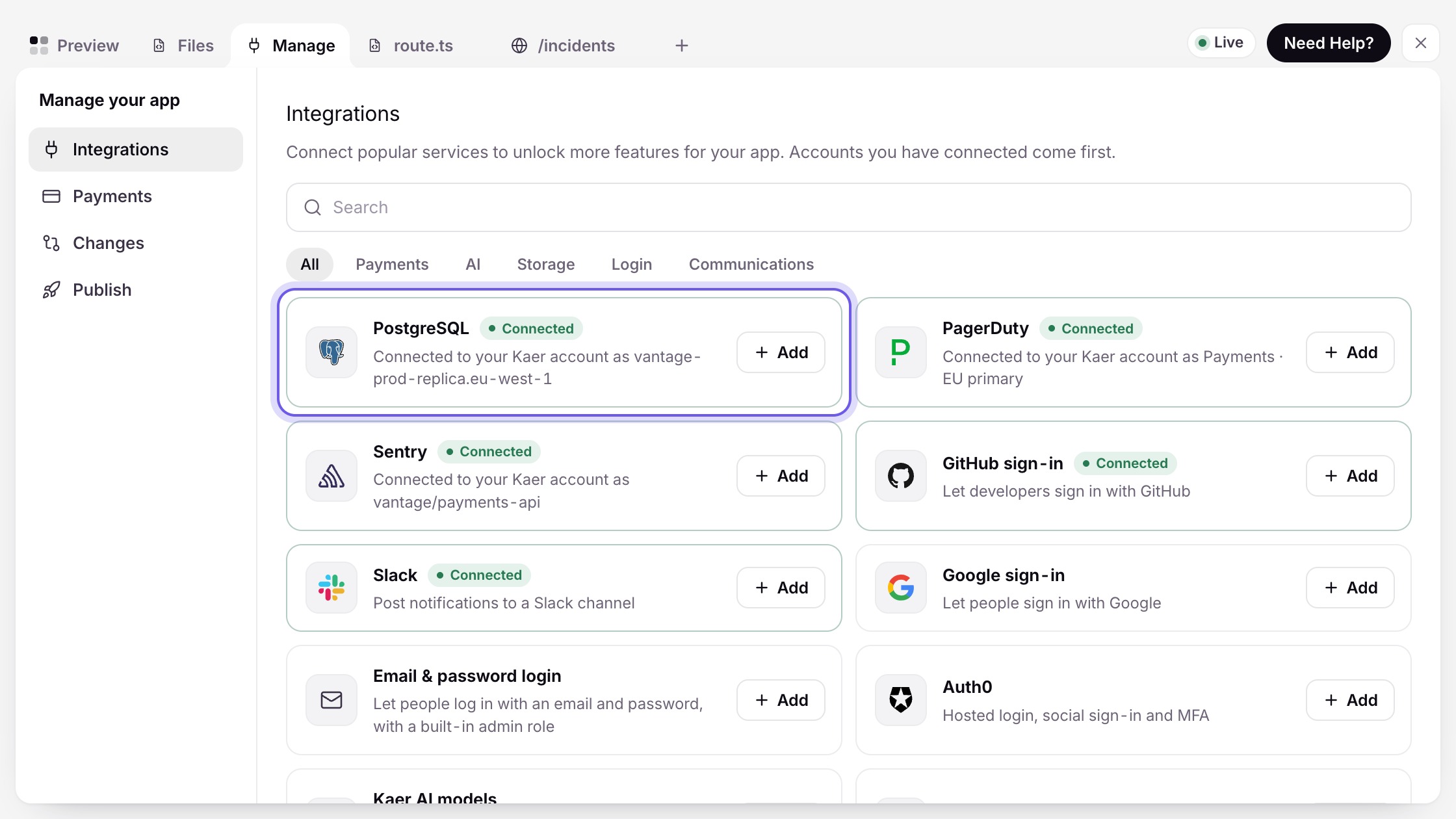
Six services connect directly. Everything else Kaer operates the way your team does — signed in, in a browser, in its own session. Nobody has to move systems for this to start working.

  • Native connections: Gmail, Google Calendar, Drive, Sheets, Slack, GitHub
  • Everything else through Kaer Computer — no API required
  • See exactly which is which on the integrations page
Check an integration

Fair questions.

Does Kaer ever send, spend or publish on its own?

No. Every job has a gate: the consequential step — the reply, the purchase order, the merge — waits for your approval. Kaer prepares, you release. The 'You approve' line on every card above names exactly where that gate sits.

What happens if I reject something at the gate?

The job pauses with its work intact, and control comes back to you with the full context attached. Nothing goes out, nothing is lost, and you can redraft, edit, or close the job from there.

Do we need to move tools to use this?

No. Gmail, Google Calendar, Drive, Sheets, Slack and GitHub connect natively. Everything else Kaer operates the way a person would — signed in, in a browser, in its own session — so the tools you already pay for keep working.

Can a job run on a schedule, not just on demand?

Yes. Recurring jobs — the Monday report, invoice chasing, diary-filling — run on a schedule after the first approved run, and every scheduled action that matters still stops at its gate.

One of these is your Monday.

Pick the job you would least like to do this week and hand it over. The Starter tier is free — no card, no onboarding project.

or see pricing