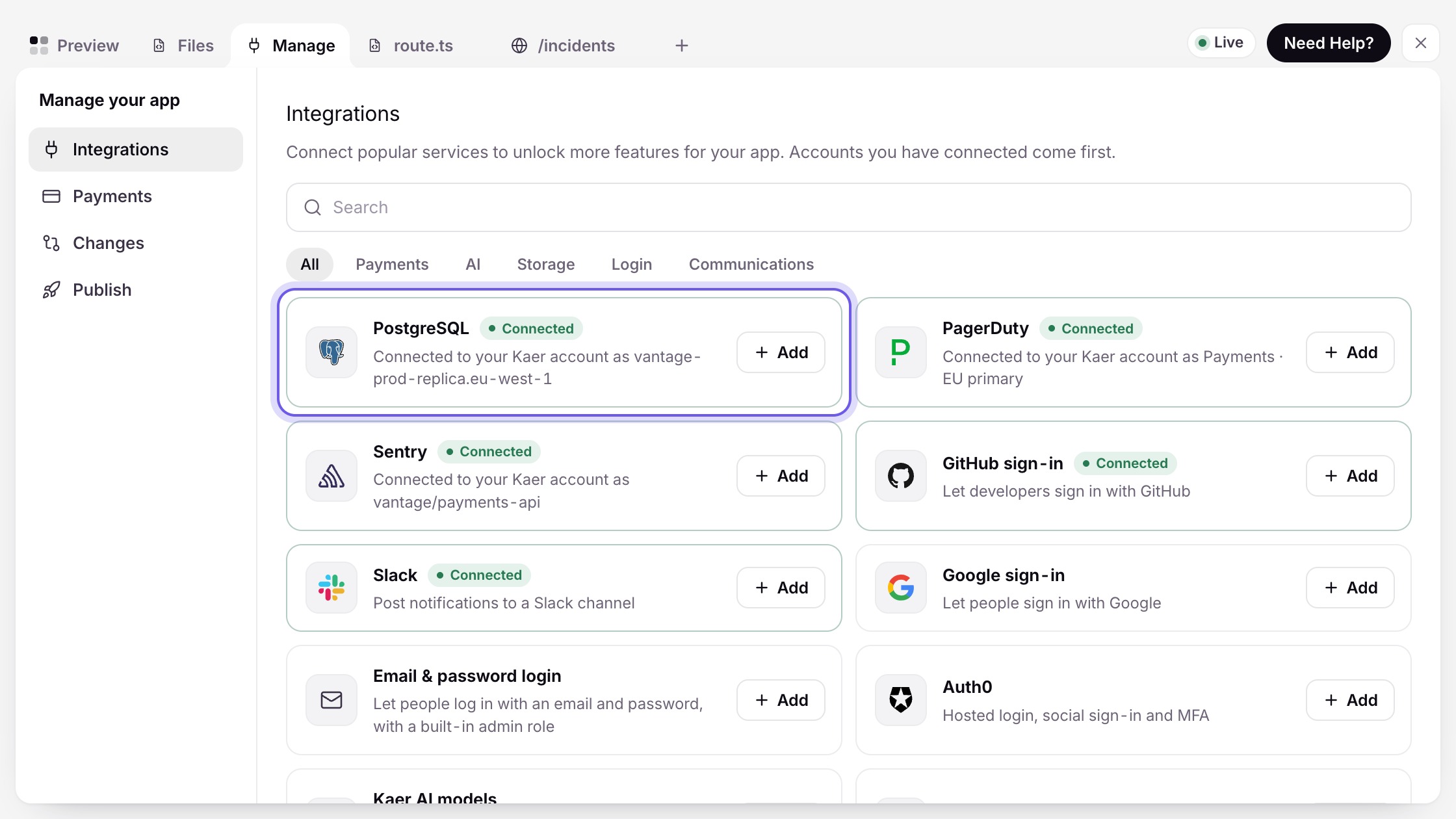
A direct, authorised connection. You grant scoped access once; Kaer reads and writes through the service's own API or protocol, and you can revoke it at any time.
7 services
No API needed. Kaer signs in and uses the web app in its own browser session, the same way your team does — with the same approval gates before anything is sent, paid or published.
22 services
On the roadmap and not connectable yet. Until it ships, Kaer can still operate the service through Kaer Computer.
4 services
Mail & calendar
Files & docs
Communication
Money & billing
Customers & sales
Work tracking
Websites & storefronts
Software
An API is faster. A browser is universal.
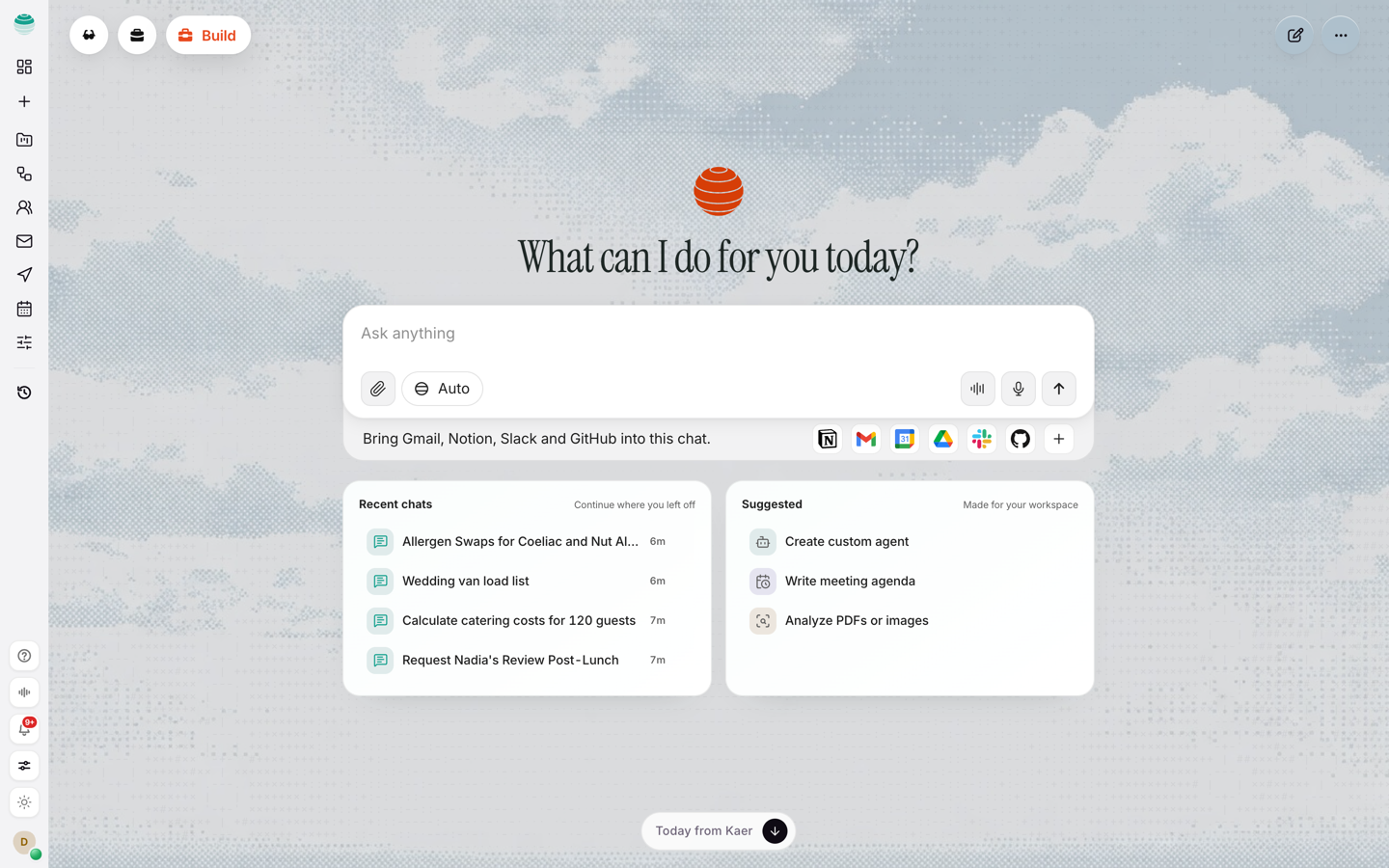
Where a service offers an API and we have built the connector, Kaer uses it — it is quicker, more reliable and easier to scope. Where it does not, Kaer signs in and uses the web app in a Kaer Computer session, which means the long tail of business software works without waiting for anyone to build anything.
- Native connections are scoped per tool and revocable individually
- Browser sessions are isolated per run and destroyed after
- Both paths pass through the same approval gates before anything consequential
Integrations, answered.
What does “planned” actually mean?
Is a browser session less secure than an API connection?
Can Kaer work with our internal system?
How do I revoke access?
Connect one tool.
Hand over one job.
A mailbox and a calendar is enough to start. Everything else can wait until you have seen it work.