01
Give it a role
In plain English: “answer new enquiries and quote from our rate card”, “chase overdue invoices”, “keep the diary full”. No workflow builder, no configuration screens.
Describe it
One operator, briefed like a person: what your business sells, how you price it, which tools it may touch, and which steps stop for a human. Set that once and every job it takes on works from the same picture.






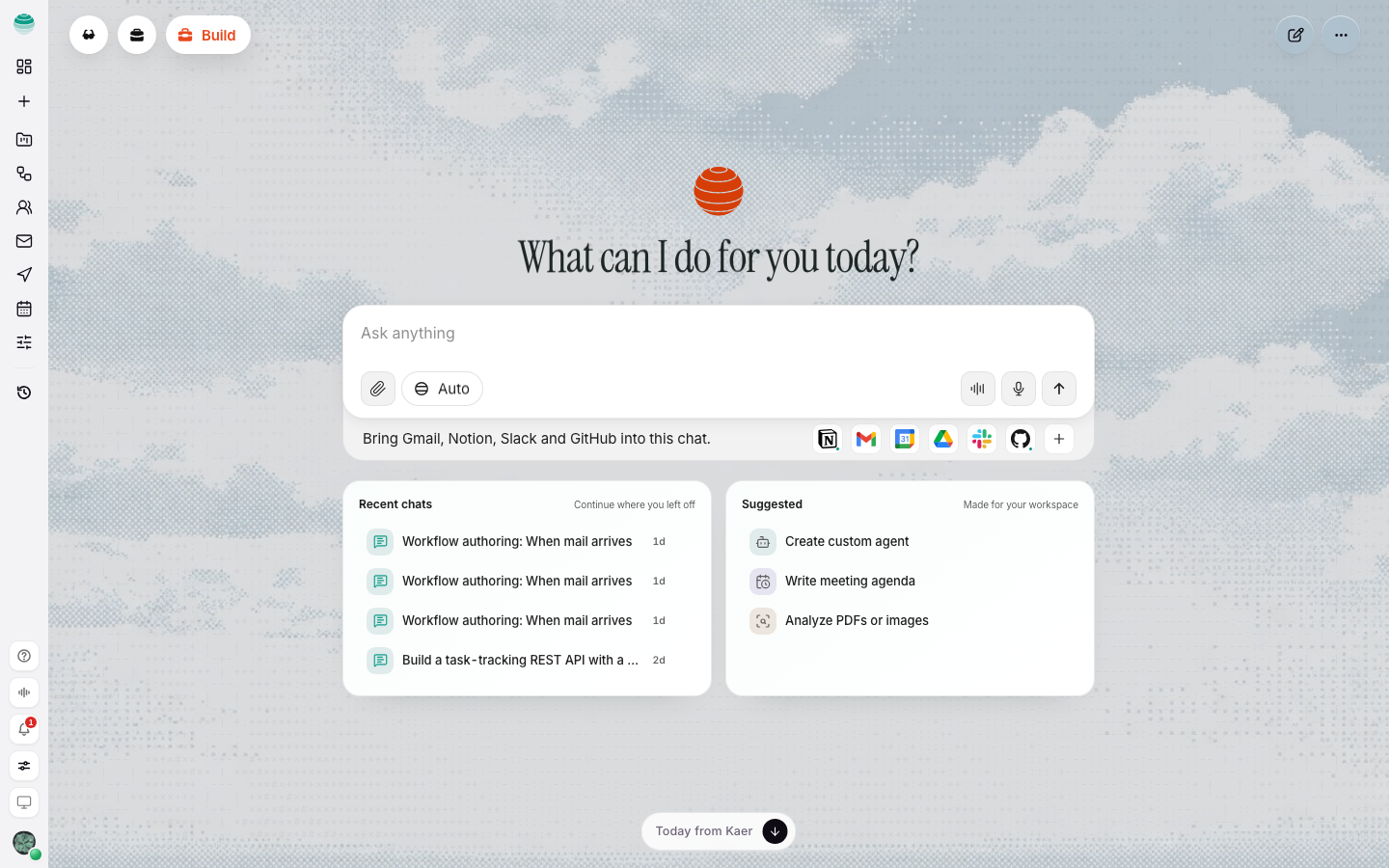
In plain English: “answer new enquiries and quote from our rate card”, “chase overdue invoices”, “keep the diary full”. No workflow builder, no configuration screens.
The mailbox, the calendar, the folder, the system it needs — scoped to that role and revocable one tool at a time.
What it can do unattended, what waits for you, and what it must never do. The gates are yours to set and change.
It runs on schedule and on trigger, tells you what it did, and stops at the step you marked as consequential.
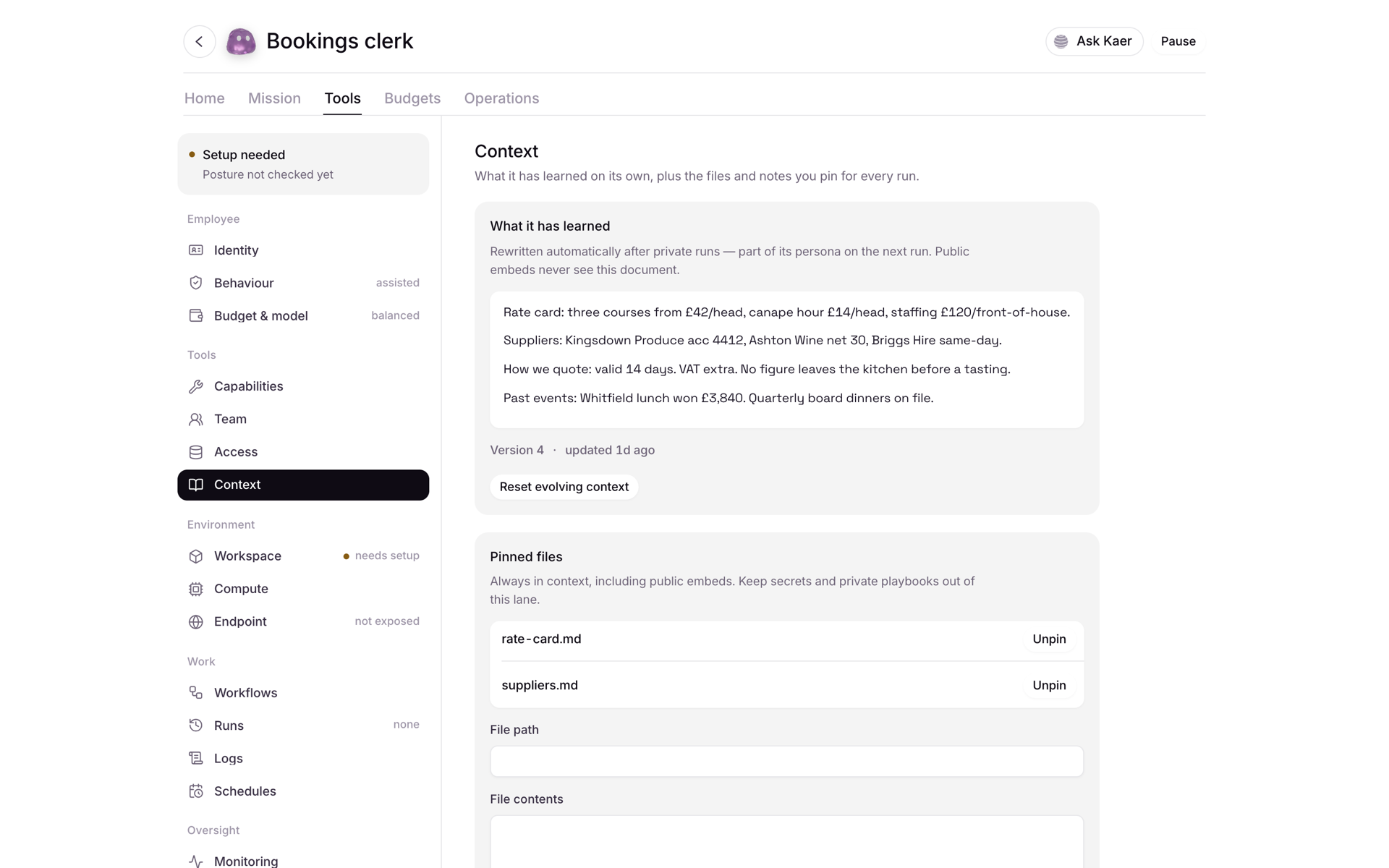
Your prices, policies, suppliers, past jobs and email history sit in one place the operator reads from. The job that answers an enquiry quotes the same number as the job that raises the invoice — because there is one source, not six copies.
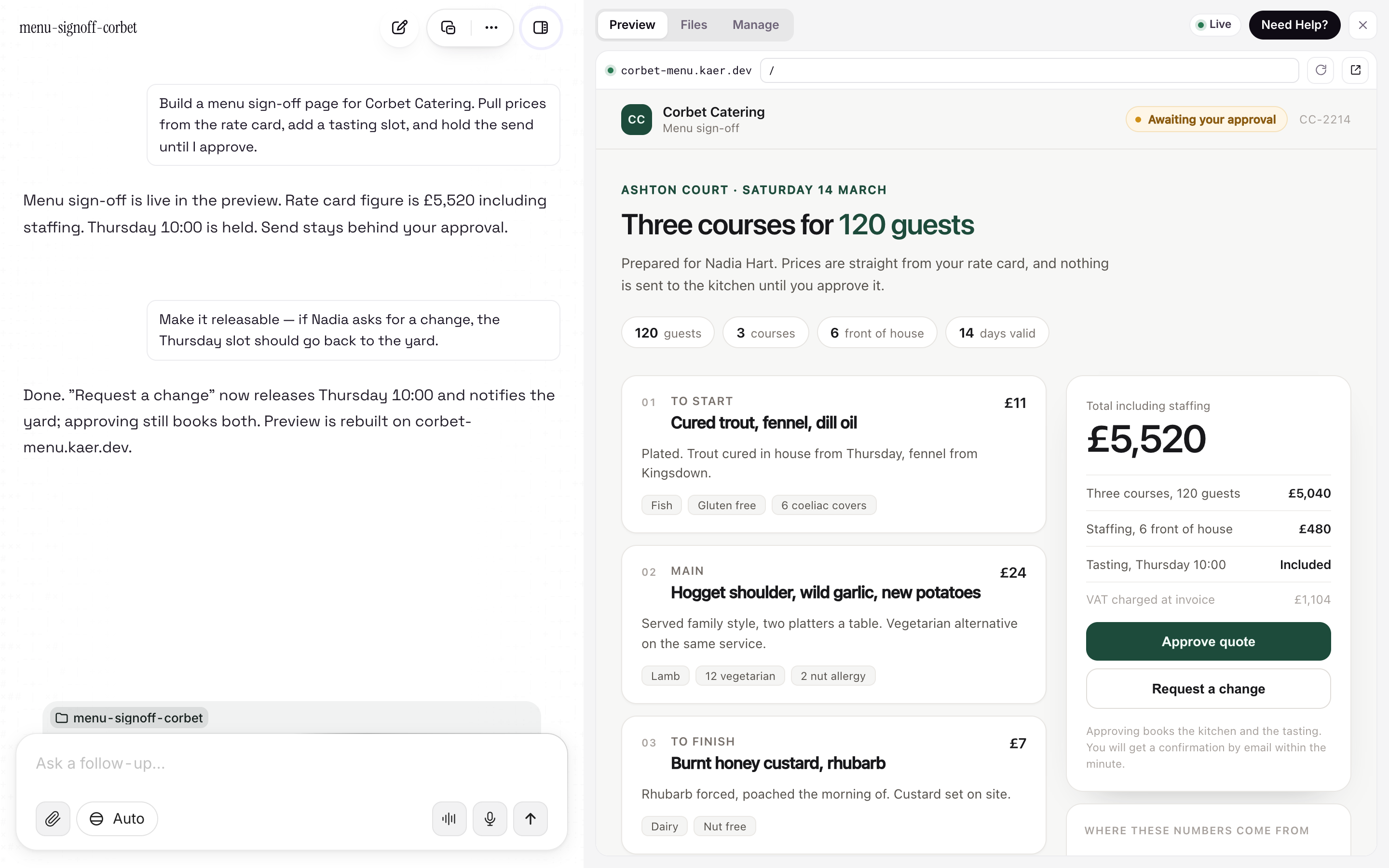
A role is a brief and a set of rules; the operator is the thing that does the work. It plans, runs jobs in parallel on its own machines, uses a real browser when a service has no API, and stops at your checkpoints.
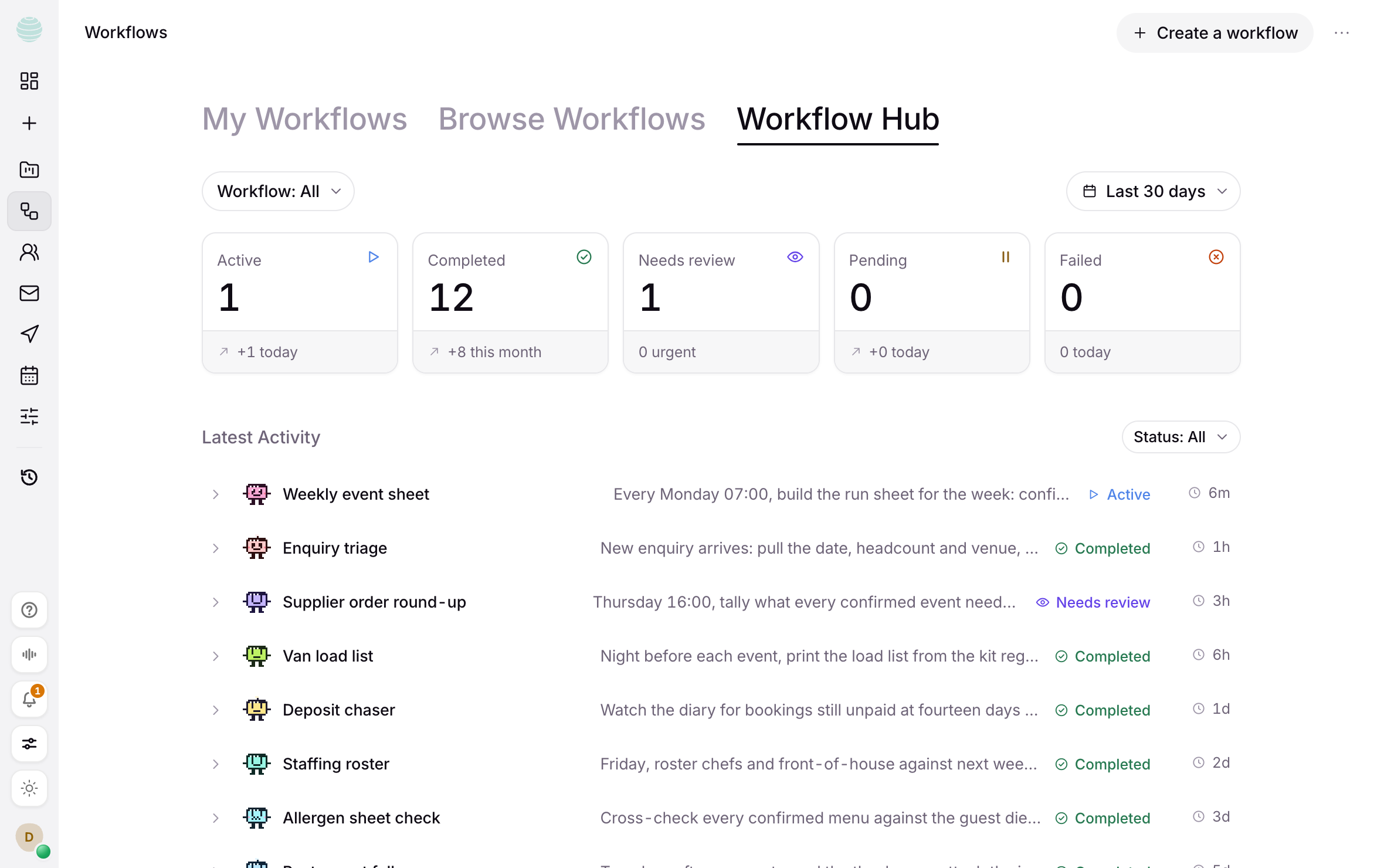
Your team gets scoped roles alongside the work. An owner approves the payment. An operations employee runs the report. An account manager reviews the customer reply. Everyone works from the same company context, and every approval is attributed.
Start with one mailbox and one job. The Starter tier is free, with daily credits and no card.