CLK
On a schedule
Every Monday at eight. The first working day of the month. The last Friday of the quarter. It runs whether or not anyone remembers.
DailyWeeklyMonthly
The Monday report, the invoice run, the compliance check, the renewal watch. Describe the process once and it runs on schedule or on trigger, with the same approval gates as everything else.

A workflow run, in order: Trigger: every Monday at 08:00; Read last week's mailbox; Pull the numbers from your records; Draft the report; Hold for your approval; Send it to the list; Record what the run did.
Every Monday at eight. The first working day of the month. The last Friday of the quarter. It runs whether or not anyone remembers.
A new enquiry, a purchase order, a supplier invoice — the message itself starts the process that handles it.
A job marked complete, a payment received, a form submitted, a date approaching — the change is the trigger.
Some processes should run when you say so. Same workflow, started by hand, with the same record of what it did.
Write down what the process does the way you would explain it to a new starter, and Kaer turns it into a workflow you can inspect and change. When the process changes, you edit the description, not a diagram.
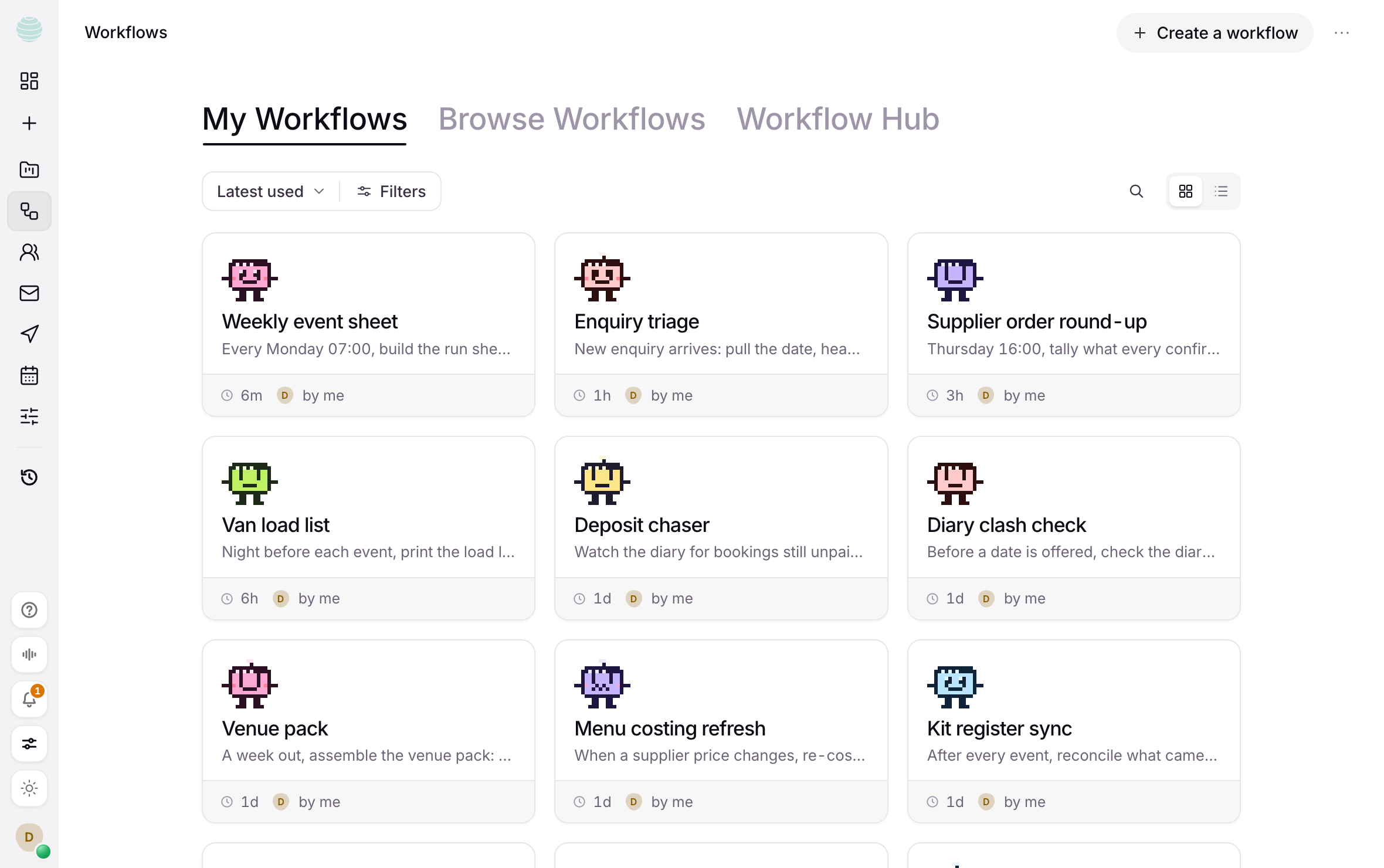
A running workflow obeys the same rules as anything else Kaer does. The report files itself. The invoice waits. The page waits. If a step fails or something looks wrong, it stops and tells you rather than carrying on.
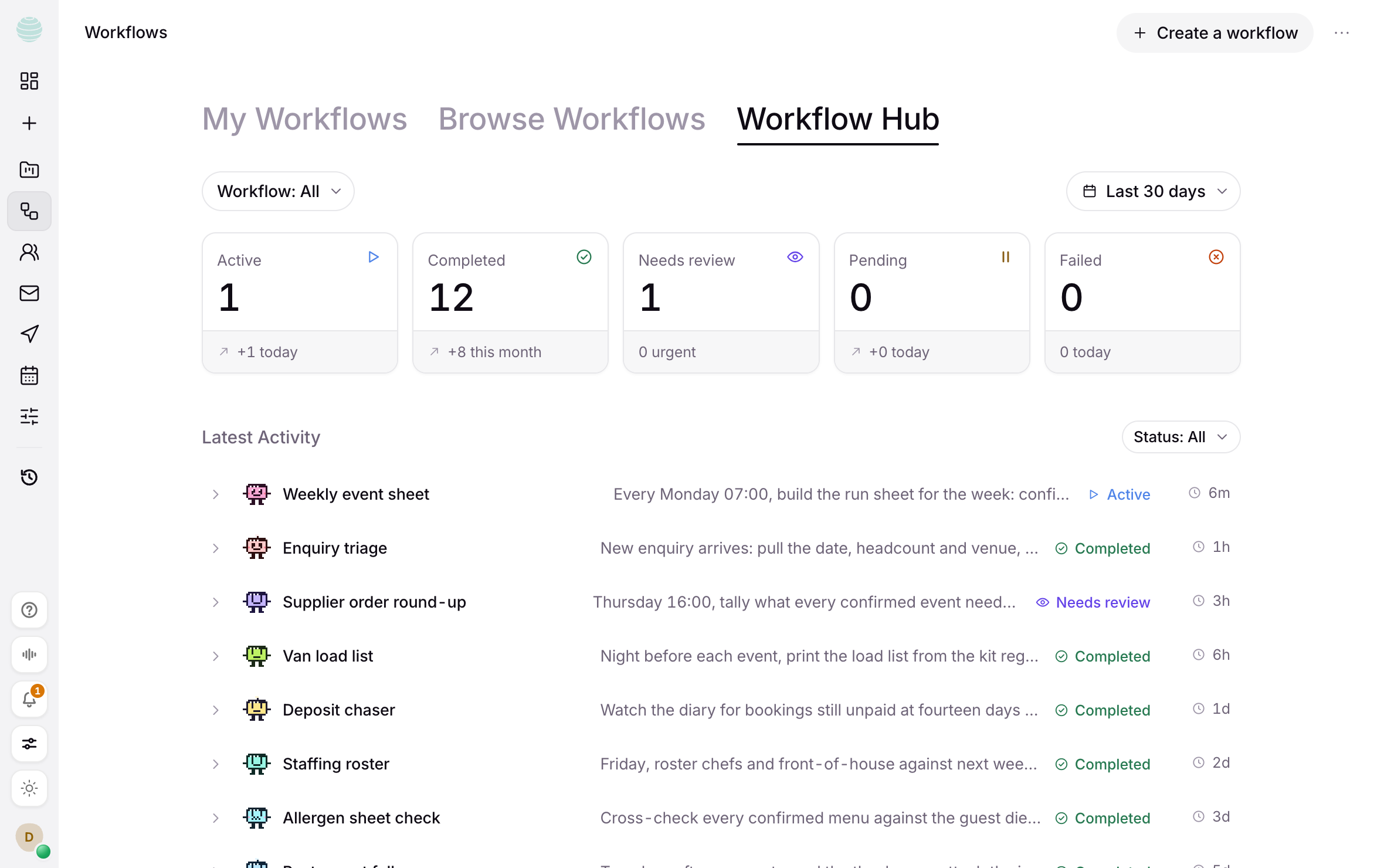
Start from a template or describe your own. Both take minutes.